Quick Answer: Smart home electrical upgrades in New Zealand can range from simple smart switches and USB powerpoints to full home automation systems. The most popular starting points are smart lighting, automated heating control, and voice-activated switches – all of which can be professionally installed to ensure safety and reliability.
What’s in This Guide
- What Makes a Home Smart?
- Popular Smart Home Upgrades in NZ
- Smart Home Upgrade Costs
- DIY vs Professional Installation
- Getting Started with Smart Home
- Why Choose Weka Electrical
- Frequently Asked Questions
What Makes a Home Smart?
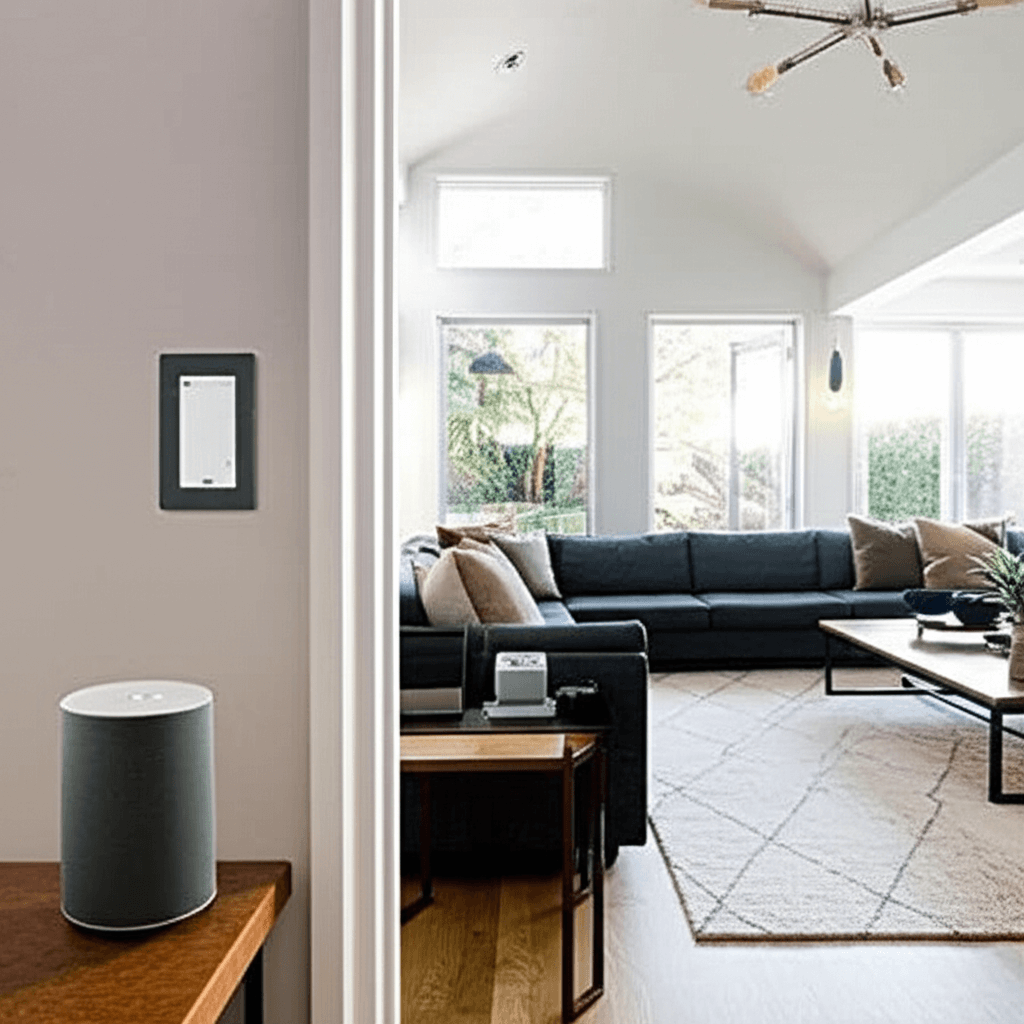
A smart home uses connected devices that you can control remotely via smartphone, voice commands, or automated schedules. These systems communicate through your home WiFi or dedicated protocols like Zigbee and Z-Wave.
Key Benefits
- Convenience: Control lights, heating, and appliances from anywhere
- Energy savings: Automated schedules prevent wasted electricity
- Security: Smart locks, cameras, and lighting deter intruders
- Comfort: Pre-heat your home before you arrive, dim lights automatically
- Accessibility: Voice control helps those with mobility limitations
Common Platforms in NZ
| Platform | Best For | Voice Control |
|---|---|---|
| Apple HomeKit | iPhone/iPad users | Siri |
| Google Home | Android users, wide compatibility | Google Assistant |
| Amazon Alexa | Largest device ecosystem | Alexa |
| Home Assistant | Tech-savvy, privacy-focused | Multiple options |
Popular Smart Home Upgrades in NZ
1. Smart Light Switches
Replace your standard light switches with smart versions that can be controlled via app or voice. No need to change every bulb – the switch controls whatever’s connected to it.
Benefits: Works with existing bulbs, physical switch still functions, scheduling and dimming capabilities.
2. Smart Dimmer Switches
Beyond on/off control, dimmer switches let you set the perfect lighting mood for any occasion. Many can remember your preferred settings for different times of day.
3. USB Powerpoints
Modern powerpoints with built-in USB-A and USB-C ports eliminate the need for charging adapters. Some smart versions can be switched on/off remotely.
4. Smart Thermostats
Control your heat pump or HVAC system from anywhere. Learn your schedule and automatically adjust temperatures to save energy when you’re away.
5. Smart Blinds and Curtains
Motorised blinds that open and close on schedule or respond to sunrise/sunset. Great for hard-to-reach windows and improved security when you’re away.
6. Whole-Home Audio
In-ceiling speakers connected to streaming services throughout your home. Control different zones independently – music in the kitchen, podcast in the bedroom.
7. Smart Garage Door Openers
Know whether your garage is open or closed from anywhere. Receive alerts when it opens, and close it remotely if you forgot.
8. Outdoor Smart Lighting
Motion-activated security lighting, pathway lights that turn on at dusk, and deck lighting you can control from inside.
Smart Home Upgrade Costs
Here’s what you can expect to pay for common smart home upgrades in New Zealand, including professional installation.
| Upgrade | Product Cost | Installation |
|---|---|---|
| Smart light switch | $60-$150 each | $80-$120 per switch |
| Smart dimmer switch | $80-$200 each | $80-$120 per switch |
| USB powerpoint | $40-$80 each | $80-$100 per point |
| Smart thermostat | $200-$400 | $150-$250 |
| In-ceiling speaker (per room) | $300-$800 | $200-$400 |
| Smart garage opener | $150-$300 | $150-$250 |
Bundling multiple upgrades often reduces the per-item installation cost, as the electrician is already on-site.
DIY vs Professional Installation
What You Can DIY
- Smart plugs (plug into existing powerpoints)
- Smart bulbs (screw into existing sockets)
- Smart speakers and hubs
- Wireless sensors and cameras
What Requires an Electrician
- All hardwired installations: Switches, powerpoints, thermostats
- New circuits: Additional powerpoints, dedicated lines
- In-ceiling work: Speakers, downlights, exhaust fans
- Outdoor installations: Garden lighting, weatherproof points
In New Zealand, any work that involves connecting to the fixed wiring of your home must be done by a registered electrician. This isn’t just a legal requirement – it’s about safety and ensuring your insurance remains valid.
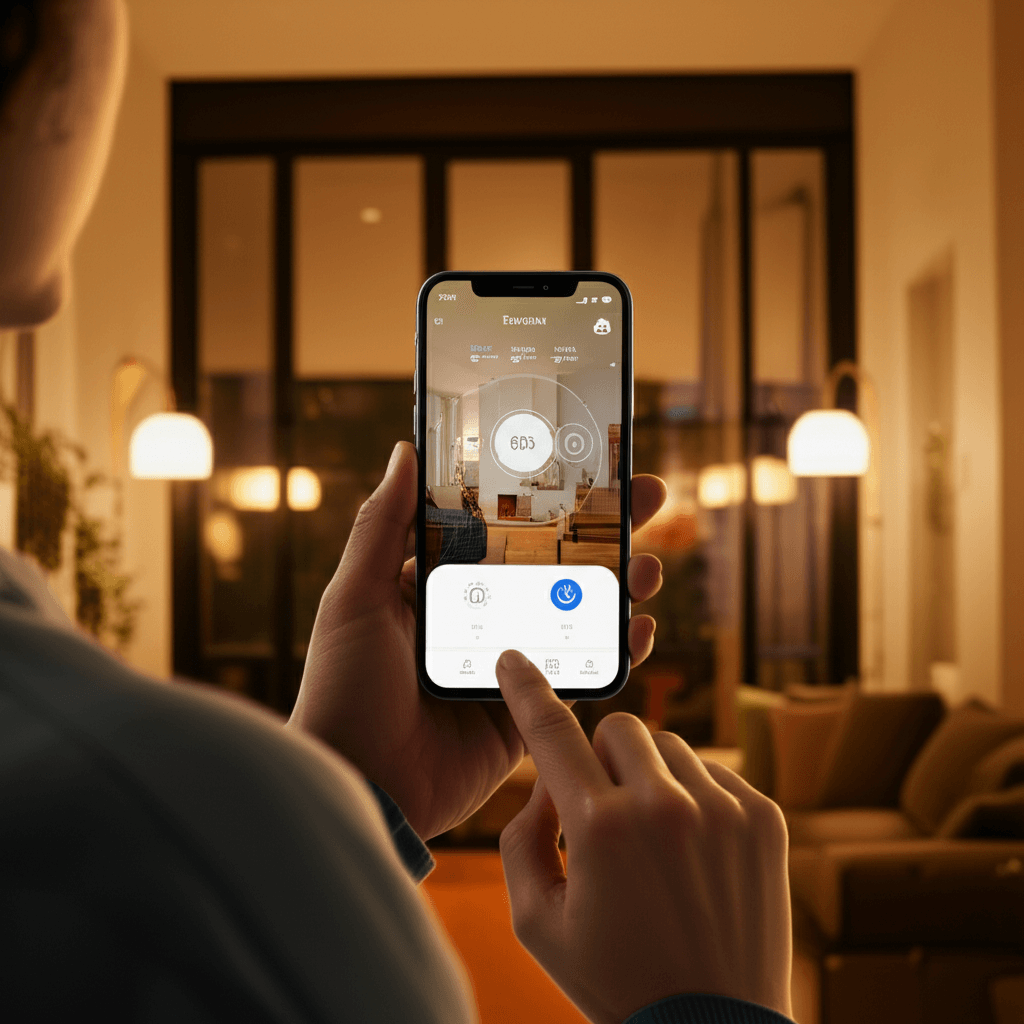
Getting Started with Smart Home
Step 1: Choose Your Platform
Pick the ecosystem that matches your existing devices. If you’re an iPhone user, HomeKit-compatible devices work seamlessly. Android users often prefer Google Home.
Step 2: Start Small
Don’t try to automate everything at once. Start with one or two upgrades that will make the biggest difference to your daily routine – often smart lighting or a smart thermostat.
Step 3: Consider Your WiFi
Smart devices need reliable WiFi coverage throughout your home. If you have dead spots, address those first with a mesh WiFi system.
Step 4: Plan for the Future
When installing new switches or powerpoints, consider running extra cabling for future upgrades. It’s much cheaper to do during initial installation.
Why Choose Weka Electrical
Our Wellington electrical team has extensive experience with smart home installations across the region. We help homeowners navigate the options and ensure everything is installed safely and professionally.
What We Offer
- Expert advice: We help you choose compatible products that work together
- Quality installation: Fully compliant with NZ electrical standards
- Setup assistance: We can help configure your smart home apps and automations
- Ongoing support: Questions after installation? We’re here to help
Ready to make your home smarter? Get in touch for a free consultation and quote.
Frequently Asked Questions
Do smart switches work without WiFi?
Most smart switches still function as regular switches even if WiFi is down. You just lose remote and voice control until connectivity is restored.
Will smart home upgrades add value to my property?
Modern buyers increasingly expect smart features, particularly smart lighting and security. While it’s hard to quantify exact value, smart homes often sell faster and appeal to a wider market.
Can I mix different smart home brands?
Yes, most platforms (Google Home, Alexa, HomeKit) can control devices from multiple manufacturers. However, staying within one ecosystem often provides a smoother experience.
How secure are smart home devices?
Choose reputable brands that provide regular security updates. Use strong, unique passwords and keep your router firmware updated. Avoid cheap imported devices with questionable security.
Do I need a hub for smart home devices?
Many modern devices connect directly via WiFi, but some (particularly Zigbee or Z-Wave devices) require a hub. Hubs can actually improve reliability and reduce WiFi congestion.
Can an electrician install any smart device I buy?
Generally yes, though we recommend consulting with us before purchasing to ensure the device is suitable for your existing wiring and meets NZ standards.